 backfyl
Tap on, tap off.Timesheets from the shift.
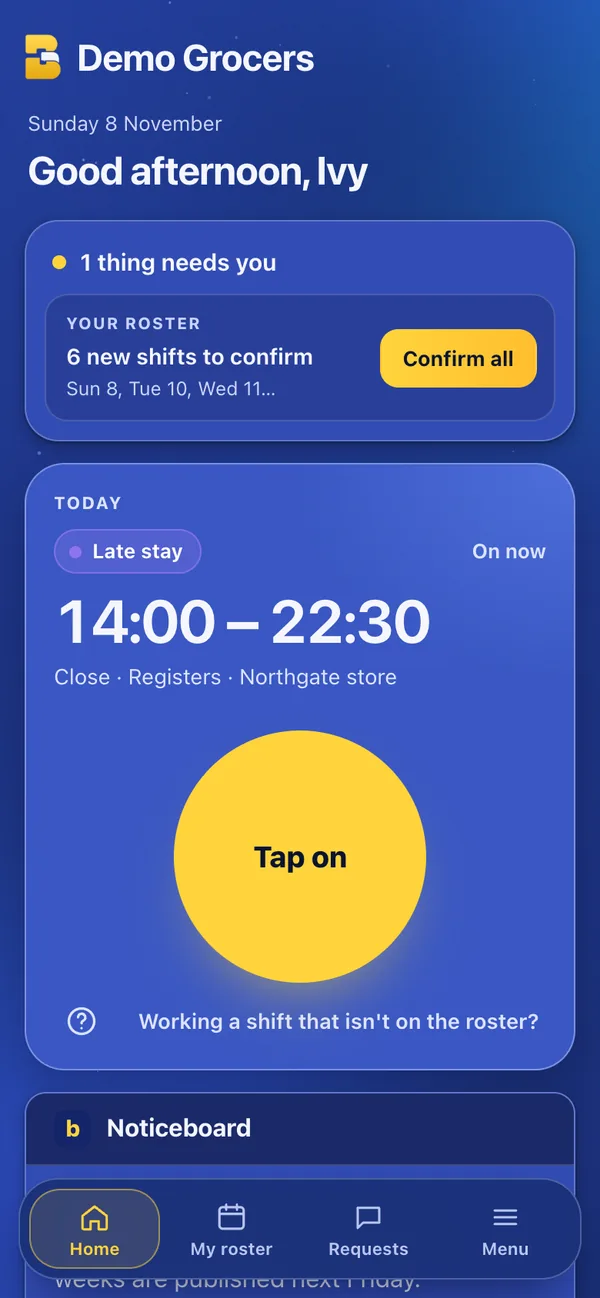
Staff tap on when the shift starts and off when it ends, from their own phone, with breaks. Backfyl checks they’re at the venue, and every shift becomes a timesheet line to check, approve and send to payroll.
In Backfyl WorkforceFrom $2 a person a month
From the first tapto approved hours.
Tap on at the venue.
Tapping on needs them at the shift’s venue. Their phone’s location is read only at the tap, and an admin can switch the check off.
Breaks, as taken.
Start break and end break from the same screen.
Tap off.
The hours are kept against the rostered shift, so early starts and late finishes are plain to see.
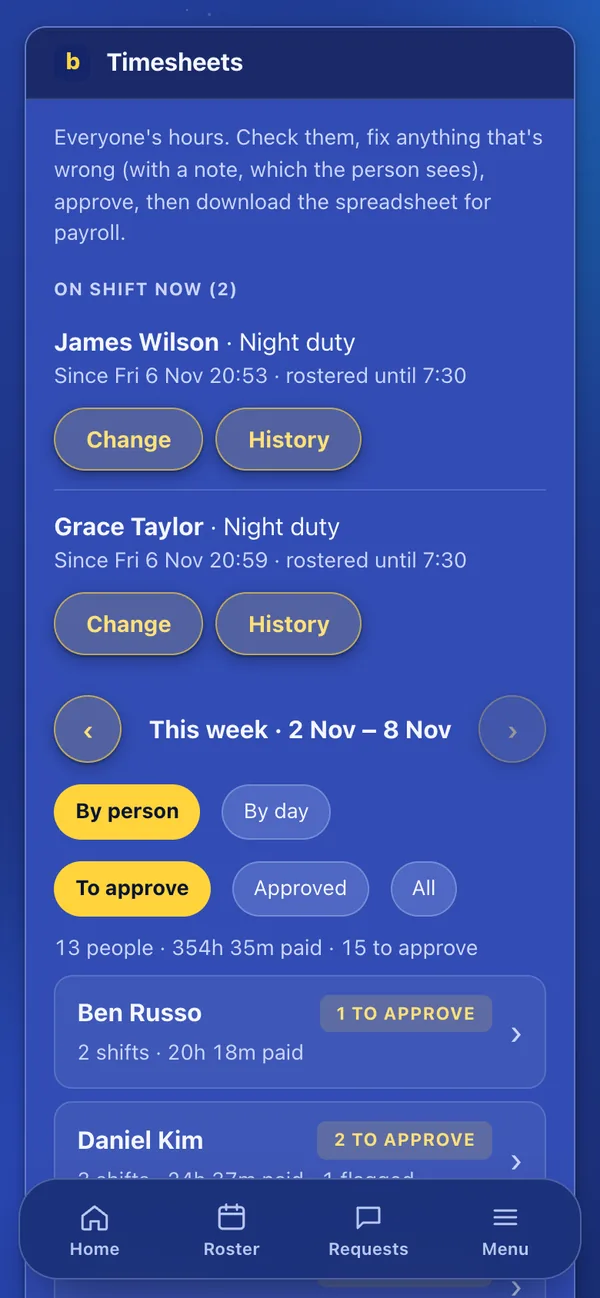
Check and approve.
Fix anything that’s wrong, with a note the person sees, then approve. Download the hours as a spreadsheet, or send approved hours to Xero payroll.
Hours you can trust,without chasing them.
- Shifts that weren’t rostered
- Working a shift that isn’t on the roster? Staff can still tap on, and that shift always needs approval.
- Late finishes flagged
- Hours past the rostered finish are flagged for you to check.
- By person or by day
- Review the week by person or by day, and filter to what’s left to approve.
- A history for every timesheet
- Each change to a timesheet is kept: who, when and why.
Part of Backfyl Workforce
The complete rostering platform: the roster, allocations, hours, leave, pay costs and cover in one app. $25 a month for up to 10 people, then $2.50 a person a month, or $2 a person a month paid yearly. Four weeks free, and no lock-in contract.
How each industryuses it.
- HospitalsNurses tap on at the campus, and night shifts run past midnight as one shift.
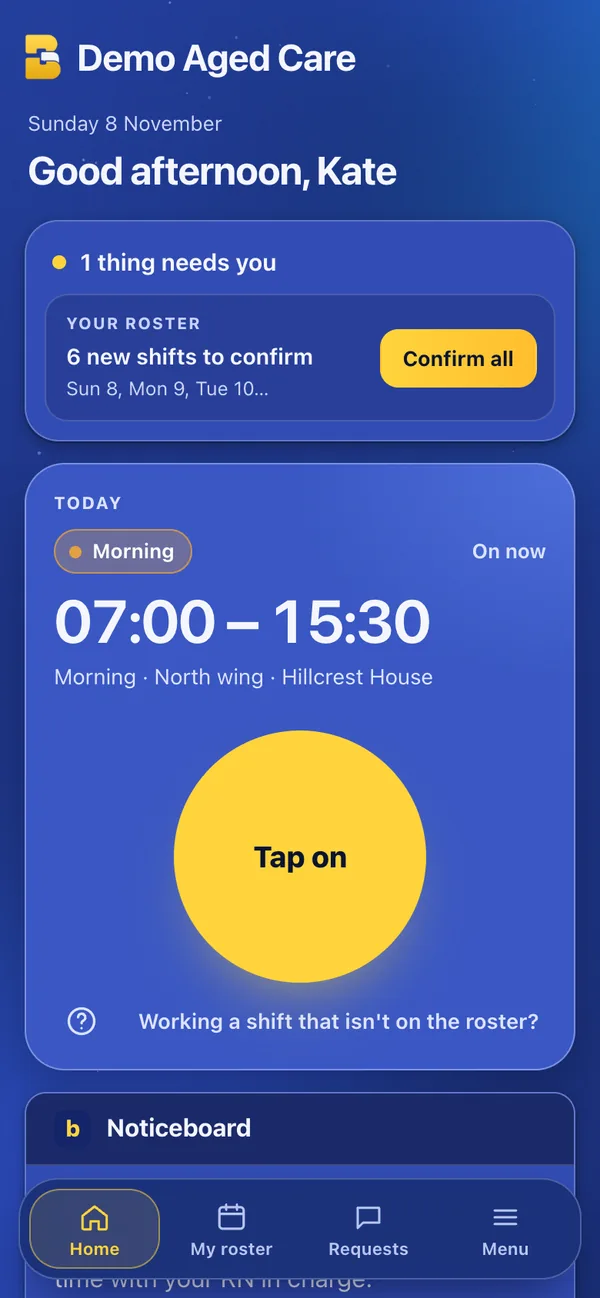
- Aged careCarers tap on at the home they’re rostered at, with breaks recorded.
- Retail and supermarketsTeam members tap on at their own store, not the one down the road.
- HospitalityStaff tap on at the venue they’re rostered at, and costs follow the hours.
Works well withthe rest of Backfyl.
Every part shares one roster, one team and one app. Use the parts you need and leave the rest out.
Questionspeople ask first.
Do you track where staff are?
No. The phone’s location is read only at the moment someone taps on, to check they’re at the venue. An admin can switch the check off.
Can hours go to payroll?
Yes. Approved hours can be downloaded as a spreadsheet, or sent to Xero payroll.
Which plan includes tap on and off?
Backfyl Workforce.
Hours you can approvethe day they’re worked.
Set your team up today. Nothing is charged until day 29, and you can cancel at any time before then.