 backfyl
When people can’t work,the roster knows.
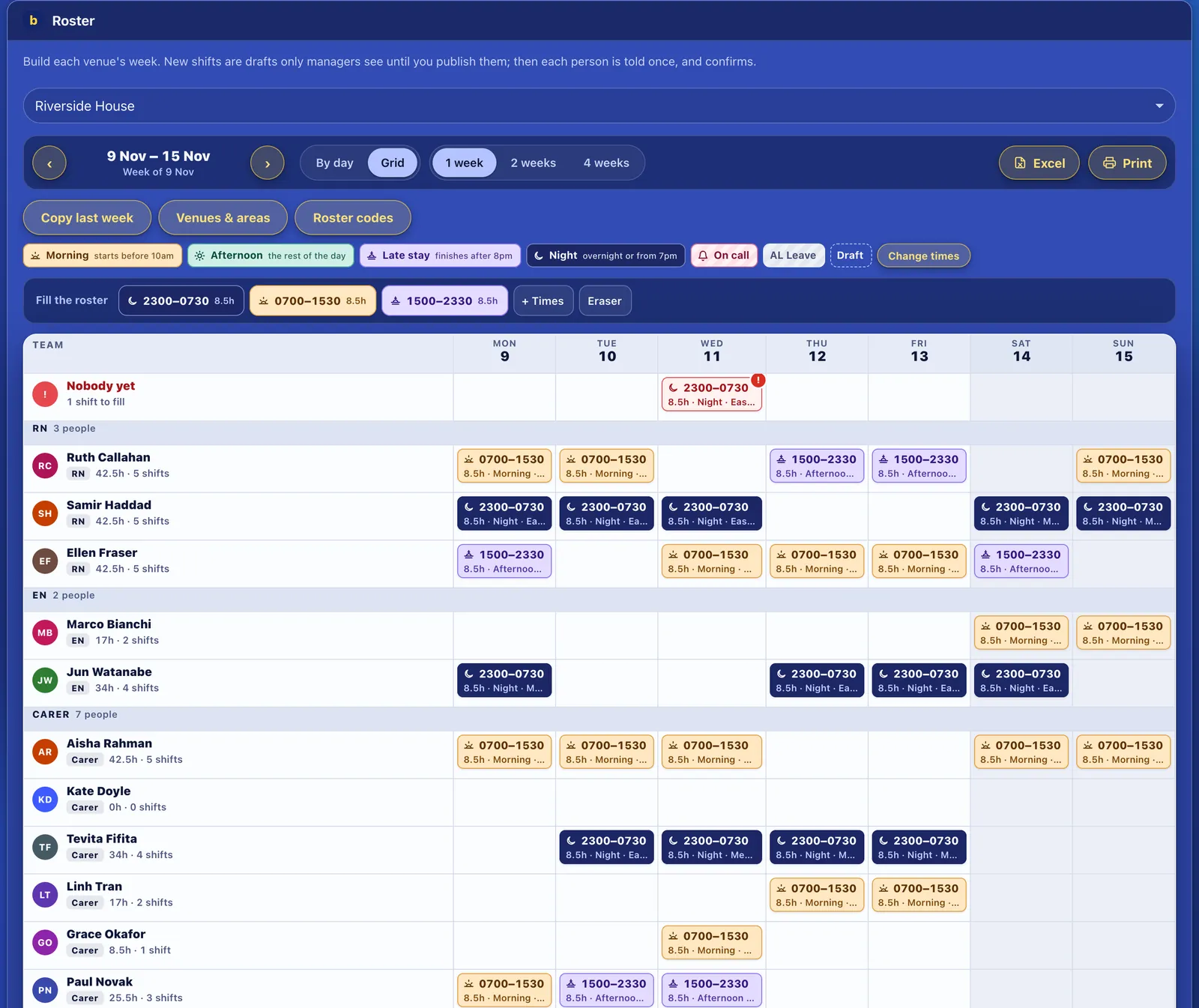
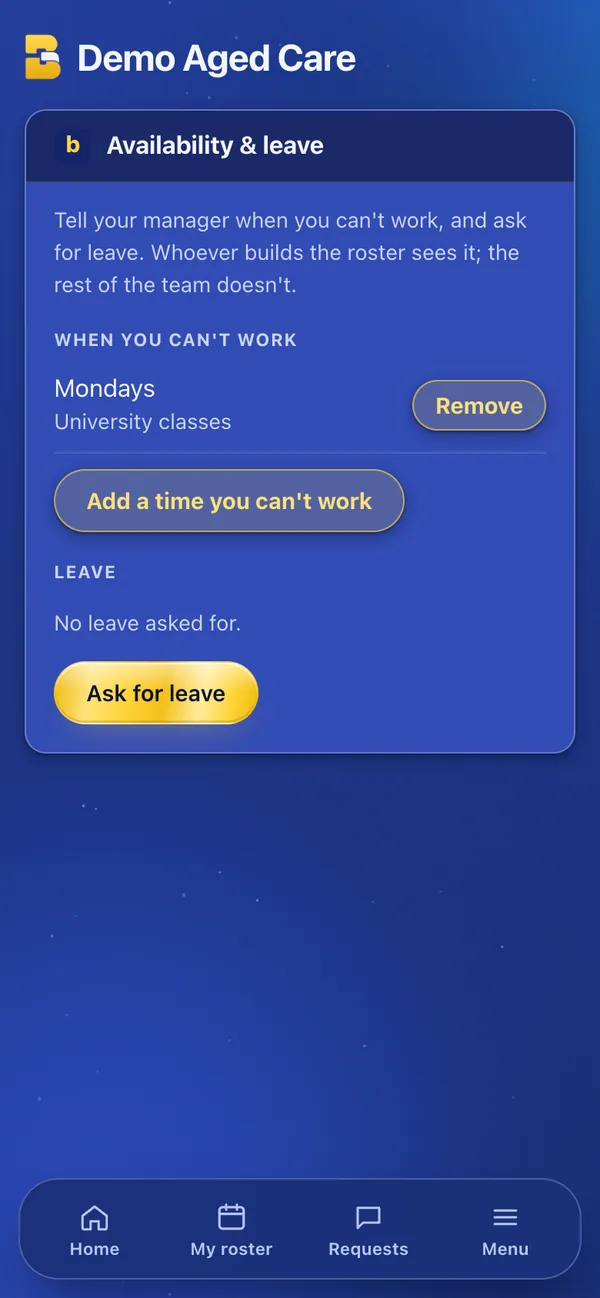
Staff add the times they can never work, like a class every Monday, and the days they’re away. Whoever builds the roster sees it where they build, and a shift that lands on it is flagged with the reason.
In Backfyl WorkforceFrom $2 a person a month
Tell the roster once,and it remembers.
Every week, or just some days.
Pick weekdays for something regular, or dates for a few days away. Add times if it’s only part of the day, and a note.
Private to the roster builders.
Whoever builds the roster sees it. The rest of the team doesn’t.
Flagged where you build.
A shift on a time someone can’t work is flagged on the grid, with their reason. You decide what to do.
Checked on swaps.
A swap that puts someone on a time they can’t work is flagged before you approve it.
Small detailsthat save a phone call.
- Part of a day
- Can’t work Monday mornings? Add the times, not the whole day.
- Changed in a tap
- Staff remove a time when it no longer applies.
- Leave alongside
- Leave requests sit on the same screen, so staff have one place to tell you.
Part of Backfyl Workforce
The complete rostering platform: the roster, allocations, hours, leave, pay costs and cover in one app. $25 a month for up to 10 people, then $2.50 a person a month, or $2 a person a month paid yearly. Four weeks free, and no lock-in contract.
How each industryuses it.
Works well withthe rest of Backfyl.
Every part shares one roster, one team and one app. Use the parts you need and leave the rest out.
Questionspeople ask first.
Does it stop me rostering someone?
No. It flags the shift with the reason, and you decide.
Can staff change it themselves?
Yes. They add and remove their own times from their phone.
Which plan includes availability?
Backfyl Workforce.
Build the roster aroundthe times people can work.
Set your team up today. Nothing is charged until day 29, and you can cancel at any time before then.