 backfyl
Build the week,then publish it.
The roster grid in Backfyl Workforce: everyone down the side, every day across, every shift in its own colour. Fill it in a drag, copy the last fortnight, or upload the roster you already have. Shifts stay as drafts until you publish, then each person is told once.
In Backfyl WorkforceFrom $2 a person a month
From an empty weekto a published roster.
Start from what you have.
Copy last week, or the last two or four weeks, in one step. Or upload the roster you already keep in a spreadsheet, as it is: Backfyl reads it and shows you what it found before it adds anything.
Fill the gaps in a drag.
Pick a shift from the strip, one of your roster codes or the times you use most, and drag it across the days. Or click a cell, type a time such as 0700-1530 or a code, and press Enter.
Check it as you go.
Each person’s hours sit beside their name, and each day’s count runs along the bottom, with its wage cost once pay is set up. Leave, times someone can’t work and missing certificates are flagged on the shift.
Publish when it’s ready.
New shifts are drafts that only managers see. Publishing tells each person once, puts their shifts in the app and in their own calendar, and asks them to confirm.
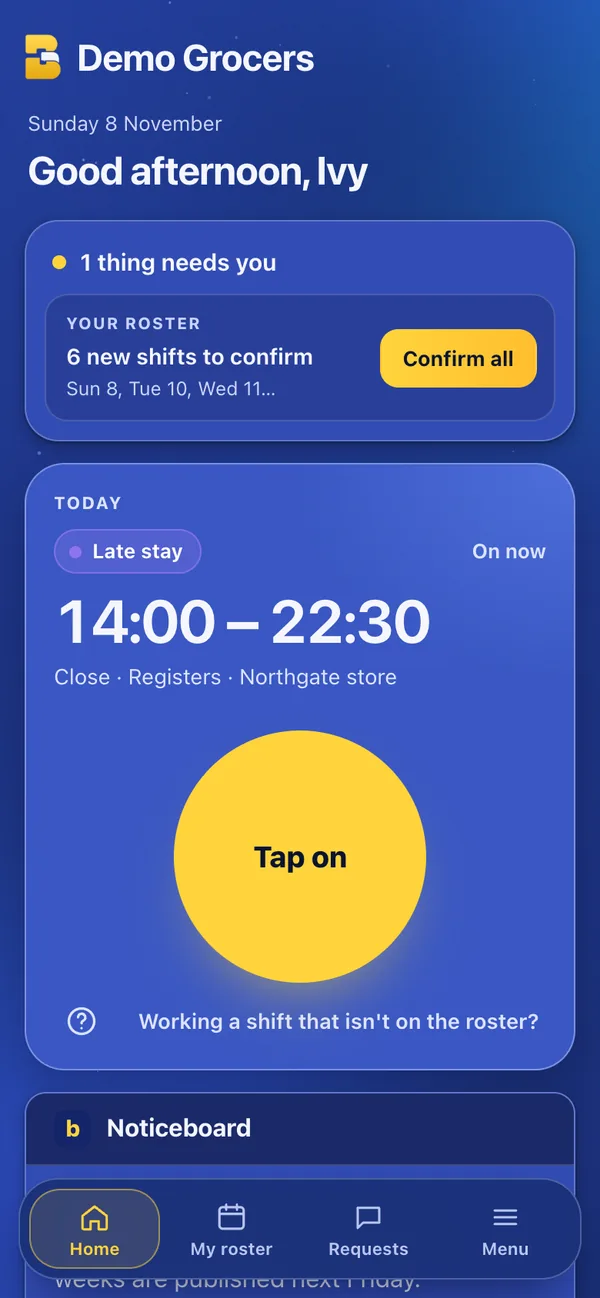
Every shiftin its own colour.
Morning, afternoon, late stay and night each have a colour, worked out from the shift’s own times, so 6, 8, 10 and 12 hour shifts all fall in place. Each venue sets where its morning ends and its night begins.
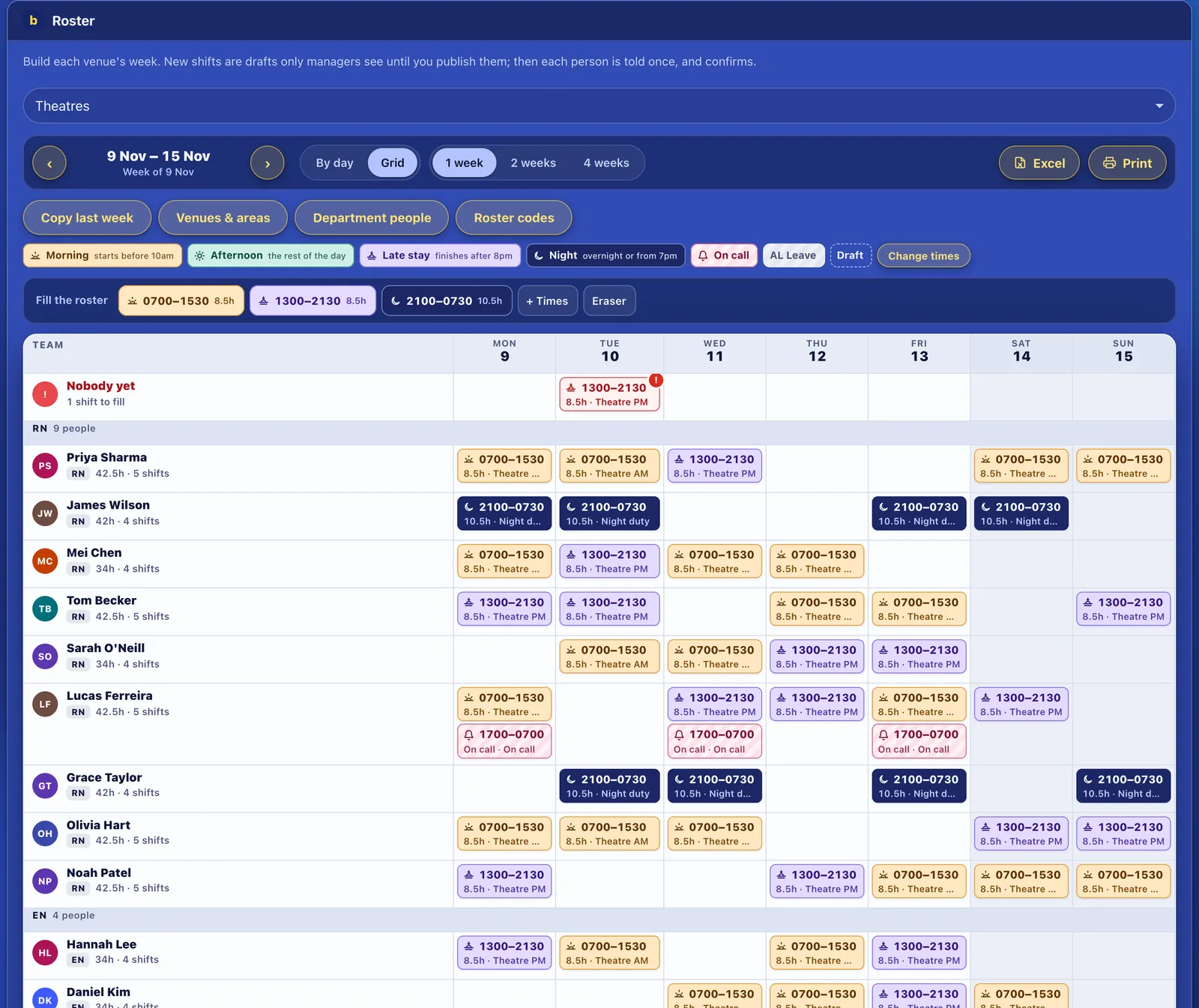
Everything the weekneeds, in one grid.
- One, two or four weeks
- See a week, a fortnight or four weeks at a time, as a grid or day by day.
- Open shifts on the top row
- A shift with nobody yet has its own row, ready to send to the staff it suits with shift cover.
- Drafts, with one Undo
- Everything you fill goes in as a draft, with one Undo for the lot and Discard drafts for the week.
- Groups and departments
- Group people by role, such as RN, EN and carer, and give a department such as Recovery its own roster.
- Excel and print
- Export the roster to Excel in colour, or print it for the wall or the display screens.
- Upload the roster you haveBoth plans
- On Backfyl Cover too: upload the roster you keep elsewhere, and use Backfyl to fill its gaps.
Part of Backfyl Workforce
The complete rostering platform: the roster, allocations, hours, leave, pay costs and cover in one app. $25 a month for up to 10 people, then $2.50 a person a month, or $2 a person a month paid yearly. Four weeks free, and no lock-in contract.
How each industryuses it.
- HospitalsTheatre and ward rosters by role, with on call published alongside.
- Aged careMornings, afternoons and nights in every wing, every day of the year.
- Retail and supermarketsRegisters, deli, bakery and night fill, for every store.
- HospitalityKitchen and front of house, with each shift’s cost on the award.
Works well withthe rest of Backfyl.
Every part shares one roster, one team and one app. Use the parts you need and leave the rest out.
Questionspeople ask first.
Can we keep our current roster?
Yes. Upload it as it is, from a spreadsheet. On Backfyl Cover, Backfyl then fills its gaps. On Backfyl Workforce, you carry on building it in Backfyl from there.
Do staff see drafts?
No. Drafts are visible only to managers. Staff see a shift once it’s published, and confirm it.
Can I build the roster on a phone?
Yes. The grid works on a computer, a tablet and a phone, including dragging shifts. Most managers build on a computer, where the whole week fits.
Which plan includes the roster grid?
Backfyl Workforce. Uploading a roster you already have is on both plans.
Build next week’s rosterin Backfyl.
Set your team up today. Nothing is charged until day 29, and you can cancel at any time before then.